For partners
Partner Dashboard Guide
Everything you need to run your venue on TWC, in the order you'll need it. From registering and getting approved to creating sessions, managing bookings and getting paid each month.
From sign-up to your first booking
1
Register
Sign up as a partner through our website and create your profile.
2
Add your location
Register your venue with its categories, contact details, address and amenities.
3
We review it
The TWC team checks your location and approves it, or tells you what's missing.
4
Create sessions
Once approved, add the classes, treatments or drop-in slots members can book.
5
Get paid monthly
Early each month, send a payment request for the previous month's bookings.
Step by step
Tap a section to jump to it.
- Sign up on the Become a Partner page, or go straight to the partner sign-up form.
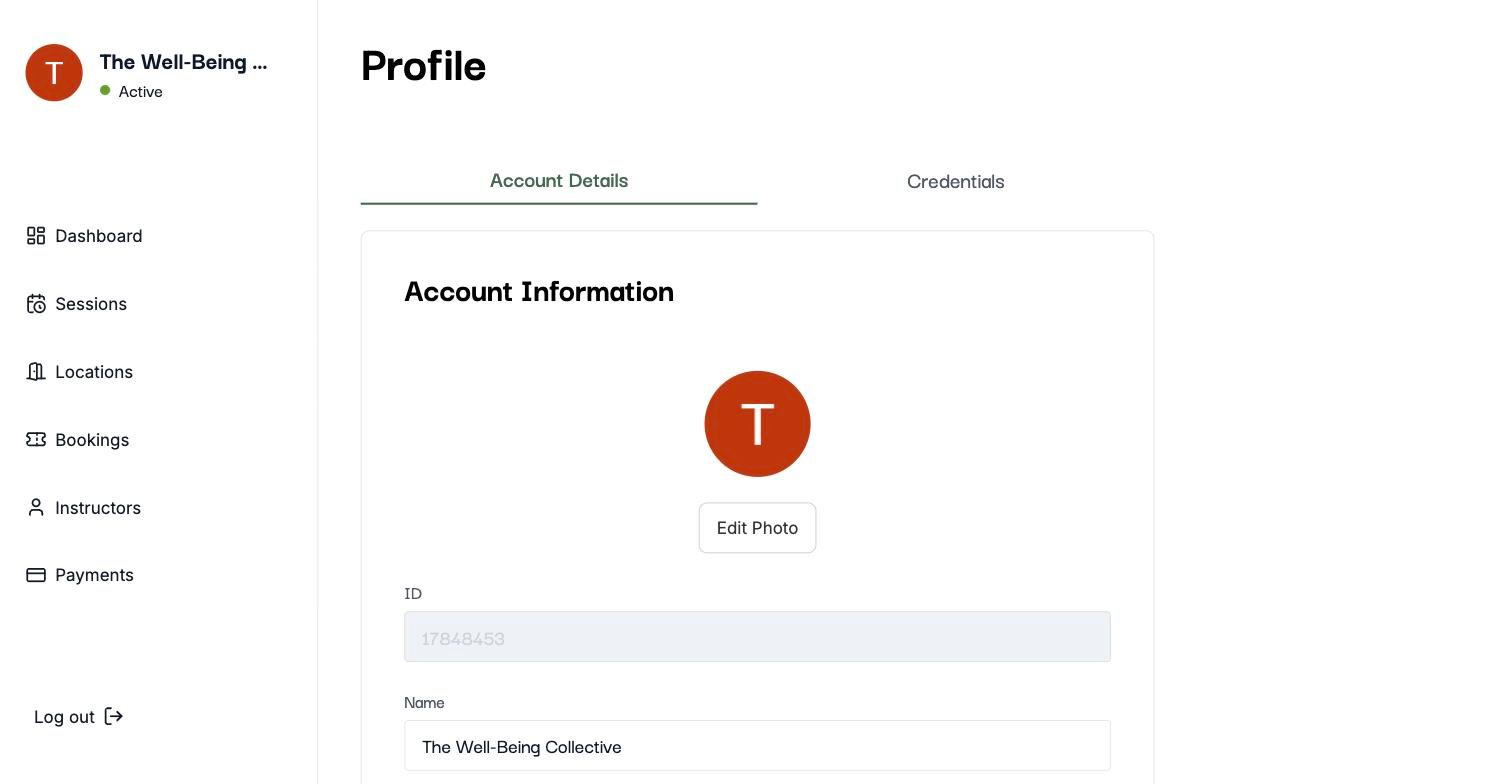
- Open your profile any time by clicking your name at the top of the sidebar.
- Account Details: add your photo, name, email and phone number, then click Save Changes.
- Credentials: shows how you sign in. If you use Google sign-in, your password is managed by Google.
Partner FAQs
Still stuck?
Send us your venue name and what you're trying to do. A screenshot helps. We'll get back to you quickly.
Email ushello@wellbeingcollective.net